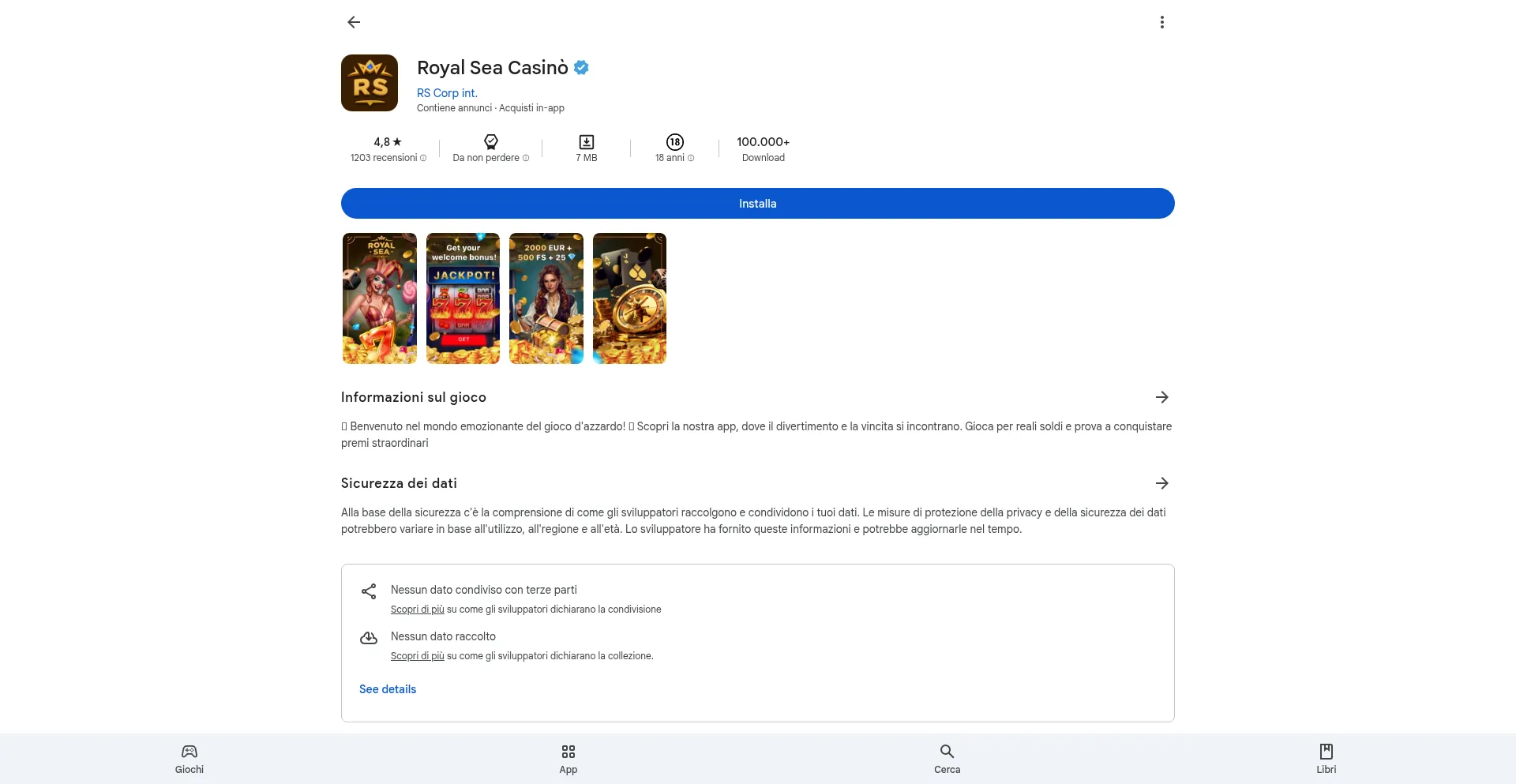
Mobile gaming can be puzzling at first. Website or app? At casinò royalsea app ios Casino, we built a native app that transforms your phone or tablet into a mobile casino floor, with faster load times and features you won’t see on the mobile site. This guide includes everything: what sets apart a native app unique, how to set up it securely, and how to maximize it. If you’re just starting with online casinos or moving from a browser, you’ll receive simple advice here.
Sideloading on Android: The Basics and When It Can Be Useful
In some regions, gambling apps aren’t featured on the Google Play Store owing to local rules. For those cases, Royalsea Casino provides an official APK file available for download directly from our website. Sideloading simply means installing an app from outside the official store. It is safe as long as you utilize the genuine file from our domain, but you’ll need to tweak a security setting on your device. We always say try the Play Store first, but sideloading is a solid backup.
To sideload, navigate to royalsea-casino.com on your mobile browser and find the app download page. Tap the Android download button to save the APK file. Prior to opening it, go to your device’s Settings, then Security or Privacy, and activate “Install unknown apps” or “Allow from this source” for your browser or file manager. Locate the downloaded APK in your notifications or downloads folder and tap it to start the install. After it’s done, you can turn off the unknown sources setting for extra security. We secure every release and publish a checksum on the download page so you may verify the file’s integrity.
Efficiency, Data Consumption, and Battery Considerations
We’ve tuned the Royalsea Casino app to operate well on many different hardware. It uses hardware acceleration when available, shifting graphics work to the GPU so the CPU remains free. That means even demanding live streams and 3D slots work smoothly without overheating or killing your battery. In our tests, an hour of play on a mid-range phone used between 8% and 12% battery, comparable to streaming video. You can preserve more battery by dimming the screen or activating battery saver mode in the app’s settings.
Data usage matters a lot if you’re on a limited plan. The app maintains data low by caching thumbnails, sound packs, and interface bits during the first download and when you’re on Wi-Fi. Live games and new slots still demand a connection, but the app adjusts video quality on the fly to match your speed, so you don’t get buffering. On average, an hour of slots consumes about 20-30 MB. A live dealer table in HD might consume 100-150 MB. You can turn on data saver mode to reduce stream quality and halt promo videos from auto-playing, giving you even more control.
Creating Your Account and Verifying Your Identity Inside the App
After downloading, you can sign in with your current Royalsea Casino account or create an account right in the app. The registration is built for mobile, with large input fields and sequential prompts. You’ll need to give basic details: name, date of birth, email, phone number. Make sure everything is accurate because we’ll employ it later for ID checks and payments. The app encrypts your data when transferring it, and no data is stored on your phone.
As a licensed operator, we have to verify every player’s identity. The app streamlines it: you can capture photos of your documents with your phone’s camera. Usually, you’ll require a government-issued photo ID and a latest utility bill or bank statement to validate your address. The upload is protected end-to-end, and our compliance team normally reviews submissions within 24 hours. You can monitor your verification status in the app’s account section. Once validated, your withdrawal limits are lifted and you gain full access. If you require help, live chat is right there in the app.
How to Download and Get the Royalsea Casino App on Android
For the majority of Android users, the Google Play Store is the most convenient and most secure way to download the Royalsea Casino app. Verify your device runs Android 8.0 or newer, has at least 3 GB of RAM, and a stable internet connection. You’ll need to have about 150 MB of free space for the initial install. These specs ensure smooth performance, but visit our download page for the latest requirements. Here’s how to install it in a few minutes.
- Launch the Google Play Store app on your device.
- Search for “Royalsea Casino” and check the developer name matches our official brand.
- Press “Install” and approve the required permissions.
- Once the download completes, click “Open” or find the icon on your home screen.
- Start the app and proceed to log in or create a new account.

After installing, you may see prompts for storage and notification permissions. Storage access allows the app keep game graphics and sounds on your phone, so things work faster and use less data. Notifications allow us deliver you about alerts on promos, live events, and account updates. You can adjust these permissions anytime in your device settings. Before opening the app, confirm that the icon and name match the official Royalsea Casino branding.
Getting Around the App: A Walkthrough of Main Functions and Functions
The Royalsea Casino app is built for intuitive navigation. A bottom tab bar or slide-out menu enables you to go straight to the game lobby, promos, cashier, and account settings. The lobby is split into categories including slots, table games, live casino, and jackpots, with a search bar and filters to find a game fast. You can mark games as favorites for one-tap access later. The layout operates in both portrait and landscape, so you can play comfortably whichever way you grip your phone.
A major highlight is the live dealer setup. Open a live table and the HD stream starts fast, with hardly any delay. You can chat with the dealer and other players without the chat window covering the action. On compatible devices, picture-in-picture mode lets you to keep a live game in view while you browse other parts of the app. If you love slots, the app loads the reels and sounds, so games fire up almost instantly. The cashier section offers you a clear look at your balance, transaction history, and payment methods, all one tap away.
What Makes a Native Casino App Compared to a Mobile Website
A native app is developed specifically for a particular operating system, like Android or iOS, using the platform’s own programming languages. Unlike a mobile website that runs inside a browser, a native app is placed directly on your device and can leverage hardware features such as the camera, fingerprint sensor, and push notification services. For Royalsea Casino players, that implies animations look better, games respond faster when you click to bet or spin, and the whole thing feels more responsive. The app also saves graphics and sounds locally, so you don’t fetch again them every time you open a game. That saves data and reduces loading screens.
Beyond performance, native apps delve deeper into your device’s security framework. You can authenticate with a fingerprint or face scan, adding a layer of protection a browser cannot replicate. Push notifications update you on new game releases, promos, and live tournament reminders without you having to look at the site manually. At Royalsea Casino, our native app also offers gesture navigation and haptic feedback on compatible devices, so the app seems physical and immediate. All these perks result in a more immersive, convenient way to play, especially if you enjoy quick sessions while you’re out.
How to Download and Set Up Royalsea Casino App on iOS
iPhone and iPad users can access the Royalsea Casino app through the official Apple App Store. You’ll need iOS 13.0 or later and adequate free space. Apple reviews all apps for privacy, performance, and content, so you get a further layer of safety. Installation takes just a few taps, and the app icon will be visible on your home screen when it’s done. Here’s how to get started.
- Open the App Store on your device.
- Look for “Royalsea Casino” and confirm the developer details.
- Select “Get” and confirm with Face ID, Touch ID, or your Apple ID password.
- Wait for the download to finish, then select “Open.”
- The app icon will be visible on your home screen for future access.
After installing, you may notice prompts for notifications and storage. We suggest turning on notifications to get account alerts and mobile-only offers. iOS controls app data caching on its own, so you don’t have to concern yourself with storage. Updates come through the App Store; you can enable automatic updates in your settings to stay current. Keeping the app updated is essential for new features and top security.
Managing Payments and Withdrawals on Mobile
The cashier in the app is structured to make deposits and withdrawals straightforward. You’ll locate it in the main menu or account tab. Payment methods commonly include credit and debit cards, e-wallets, fanpage.it bank transfers, and prepaid vouchers, but what’s accessible depends on your region. The app only displays options that work in your country, so there’s no clutter. To deposit, choose a method, enter the amount, and confirm. The transaction processes in real time, and for most methods, the money arrives in your balance right away.
Withdrawals work similarly but with an extra security step. You’ll need to cash out to a method you’ve used to deposit before, when possible, to follow anti-money laundering rules. The app will prompt you to finish any outstanding verification before processing a withdrawal. Processing times differ: e-wallets often finish within 24 hours, bank transfers can take 3-5 business days. The app shows a transaction history with status updates, so you always see where your money is. We don’t charge fees for deposits or withdrawals, but your payment provider may.
Keeping Control: Safe Gambling Tools at Your Fingertips
A mobile app lets us create responsible gaming tools directly into the experience. At Royalsea Casino, we feel entertainment should never harm your well-being. The app has a specialized Responsible Gaming module where you can configure daily, weekly, or monthly deposit limits. These limits take effect instantly and can’t be lifted without a cooling-off period. You can also configure loss limits and session time reminders that appear after you’ve been playing for a specified amount of time.
If you need a longer break, you can set a cooling-off period from 24 hours up to several weeks. During that time, you can still access and check your account, but you can’t bet or deposit. For a longer-term option, you can trigger self-exclusion straight from the app. Once confirmed, your account shuts down for a required period and you’re removed from all marketing. The app also points to professional support organizations and has a self-assessment questionnaire to help you review your playing habits. All responsible gaming settings synchronize with your account, so they work across every platform.
Security Measures Embedded in the App
A casino app must be secure, period. The Royalsea Casino app employs numerous layers of protection to keep your personal and financial info safe. All data between the app and our servers is encrypted with TLS 1.3, the same standard banks use. The app’s code is obfuscated and regularly tested to prevent reverse engineering. On your device, we use the operating system’s secure enclave to store sensitive tokens, so your login details are never saved as plain text.
Biometric login provides a strong, easy security layer. Activate fingerprint or face recognition, and the app ties access to your unique traits. So even if someone acquires your unlocked phone, they can’t open the casino app without your biometrics. The app also logs you out automatically after a set period of inactivity, which you can adjust. For withdrawals and large deposits, we require two-factor authentication, sending a one-time code to your email or phone. The games use a certified random number generator that’s regularly checked by independent testers.
Ensuring the App Up-to-Date and Fixing Frequent Issues
Keeping the app updated is essential for safety, efficiency, and latest games. If you obtained the Android app from Google Play, it’ll update by itself if you’ve turned on auto-updates. iOS works the identical way through the App Store. If you installed manually the APK, you’ll be required to manually download and install latest versions from our site. We share big updates via push notification and on the website, so you won’t miss anything. Each https://www.corriere.it/lotterie/23_giugno_15/estrazione-lotto-superenalotto-10elotto-serale-giovedi-15-giugno-b7075f31-ec51-cd05-337f-6bc33a3edc6d.shtml update comes with release notes describing what’s changed.
Sometimes you might face problems like the app freezing, crashing, or not loading games. Most issues can be solved with a few simple steps. Start by making sure your device’s operating system is up to date. Then try clearing the app cache from the settings menu; that won’t delete your account data. If that doesn’t work, deleting and reinstalling the app often clears up corrupted files. For login problems, check your internet connection and verify you’re using the right credentials. Here are some further quick checks:
- Reboot your device to clear temporary memory.
- Toggle between Wi-Fi and mobile data to rule out network issues.
- Look for for app updates in the store or on our website.
- Deactivate VPN or proxy services that may conflict with geolocation checks.
- Contact live support via the help section if the problem persists.
Our tech support team is accessible 24/7 through the app’s live chat. When reporting a problem, state your device model, OS version, and a quick description of what happened. We log every report and use them to find bugs and improve stability. Keeping up with updates and applying these troubleshooting steps will help you ensure a smooth, secure gaming experience.
